

Policy Rules (CEL)
Define advanced security policies using Common Expression Language (CEL).
Introduction
Policy Rules provide the most granular and powerful control over agentic actions in Edison Watch. Using Common Expression Language (CEL), you can define complex conditions that target specific users, tools, and data patterns.
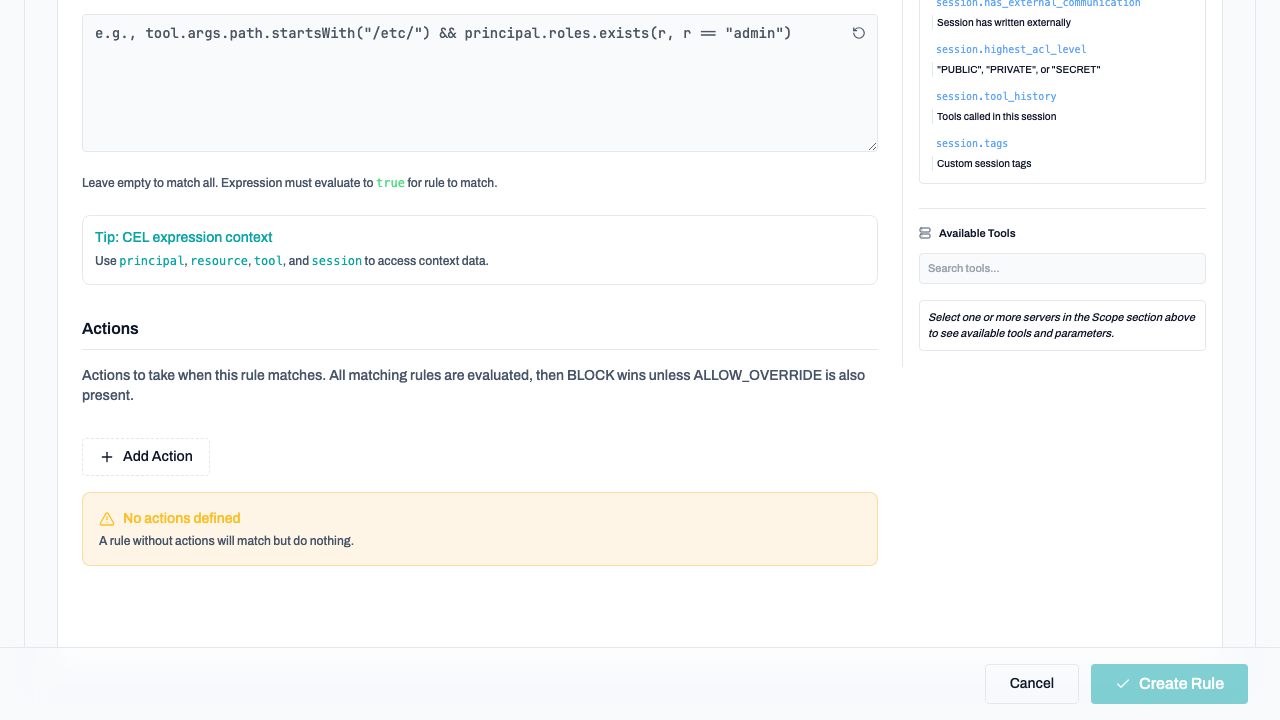
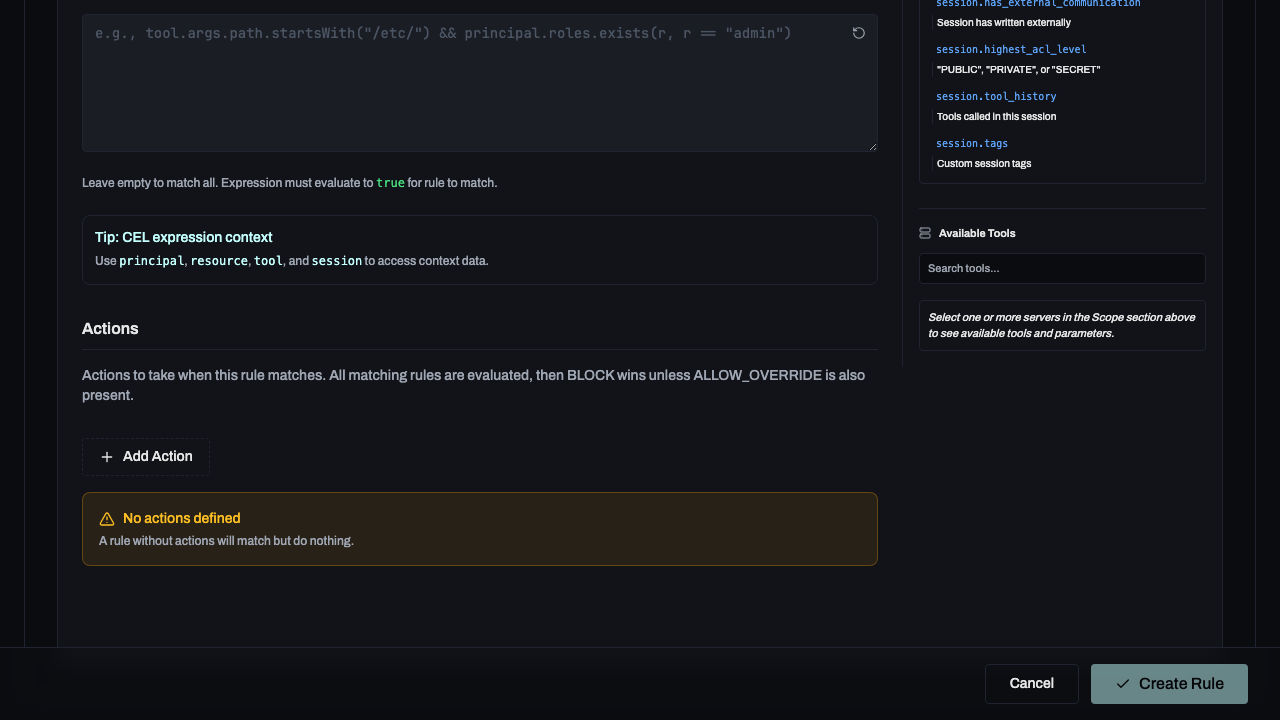
For complex scenarios, use the Policies tab to define CEL (Common Expression Language) rules.
Rule Structure
- Scope: Who does this rule apply to? (Global, specific roles, or users).
- Resource: Which tools/servers does this target?
- Filter: A CEL expression for precise matching (e.g.,
tool.args.path.startsWith("/etc/")). - Actions: What should happen? (Block, Allow Override, Tag, etc.).
Common Policy Examples
| Scenario | CEL Expression | Action |
|---|---|---|
Block access to /etc | tool.args.path.startsWith("/etc/") | Block |
| Restricted SSH files | tool.args.path.contains(".ssh/") | Mark Private |
| Manager-only deletions | principal.roles.exists(r, r == "manager") | Allow Override |
Priority Matters: Rules are evaluated in order of priority. Higher priority rules match first. Allow Override can be used to permit actions that would otherwise be blocked by global policies.
Getting Started
Navigate to Policies in the admin dashboard. If no policies are defined, you will see the empty state.
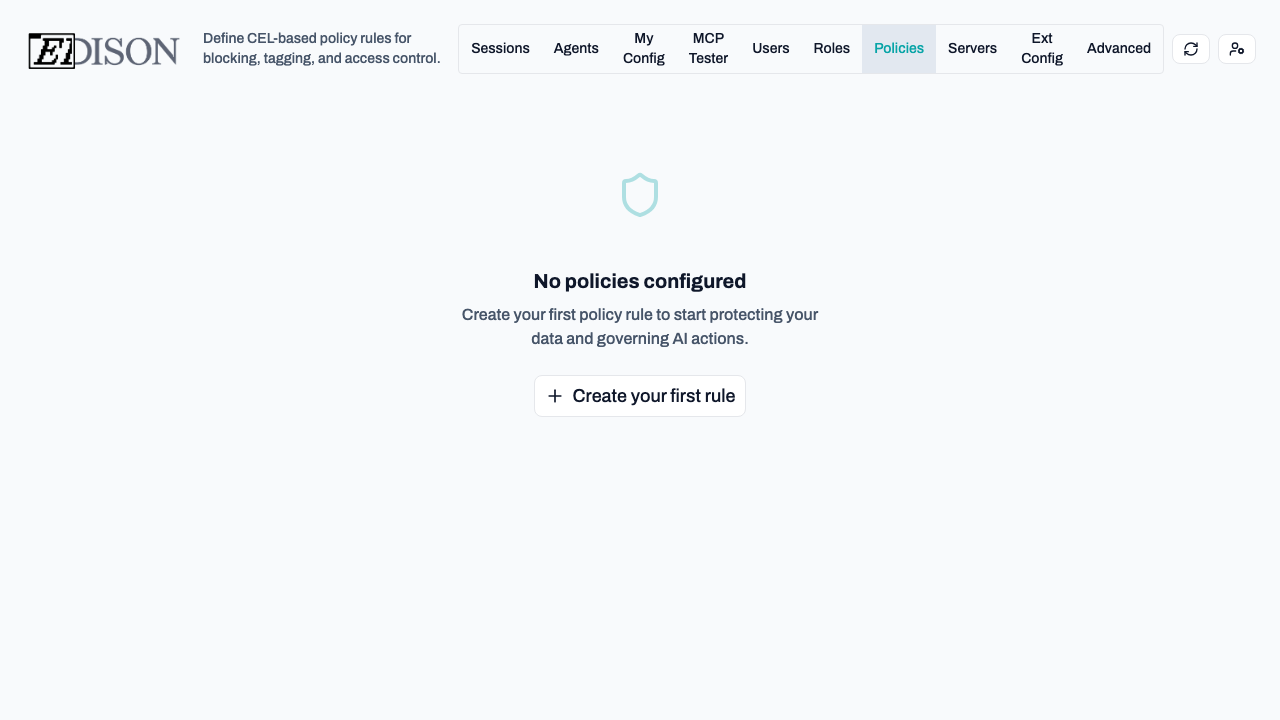
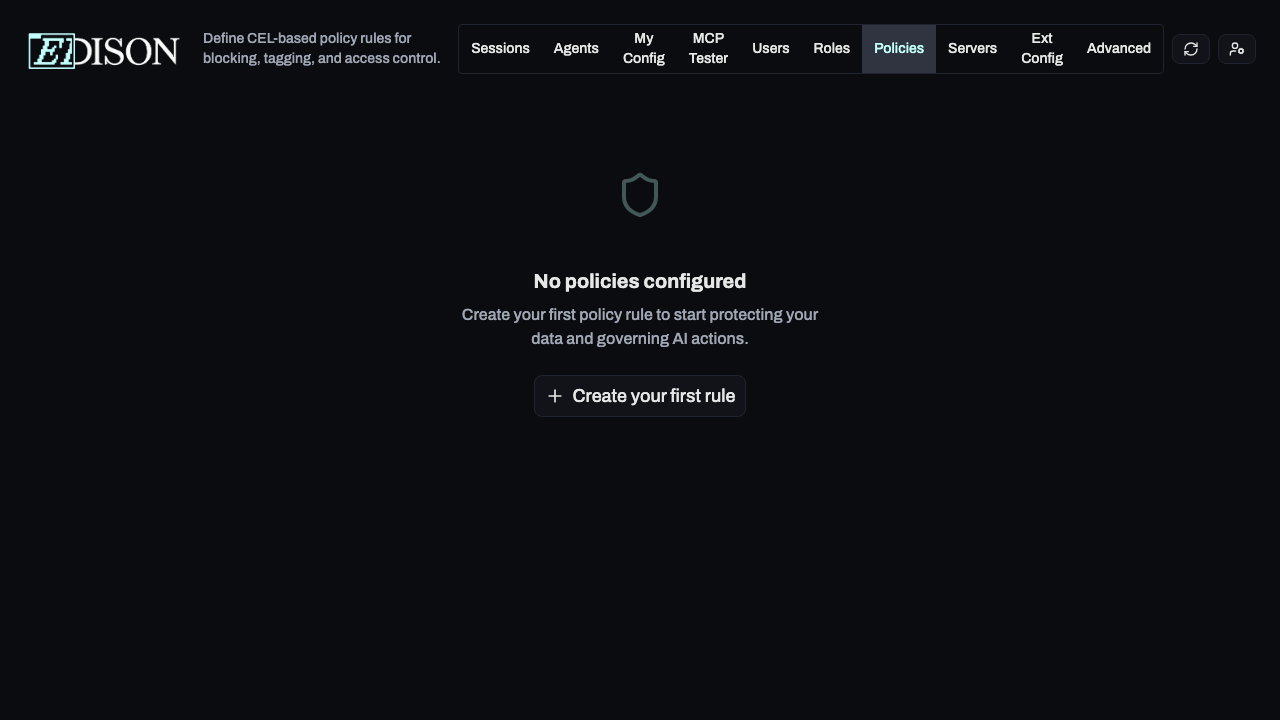
Click Create your first rule to begin. You can choose to start from a pre-configured template or build a custom rule from scratch.
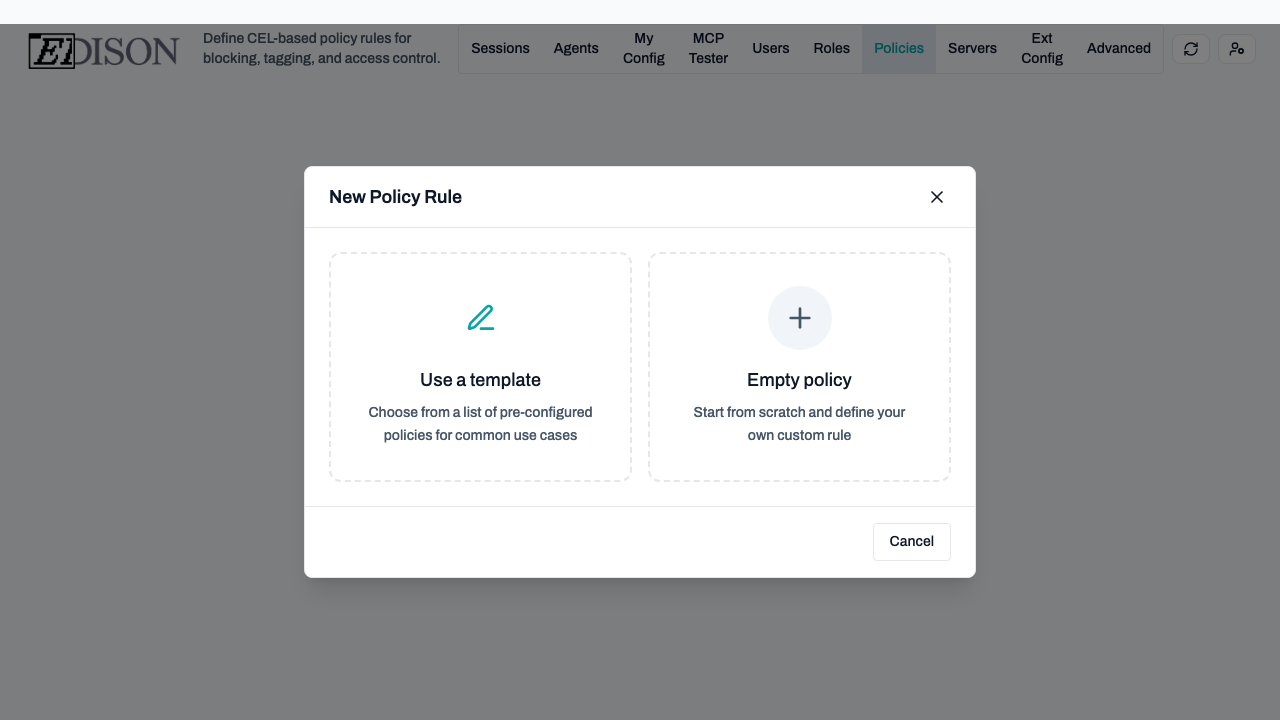
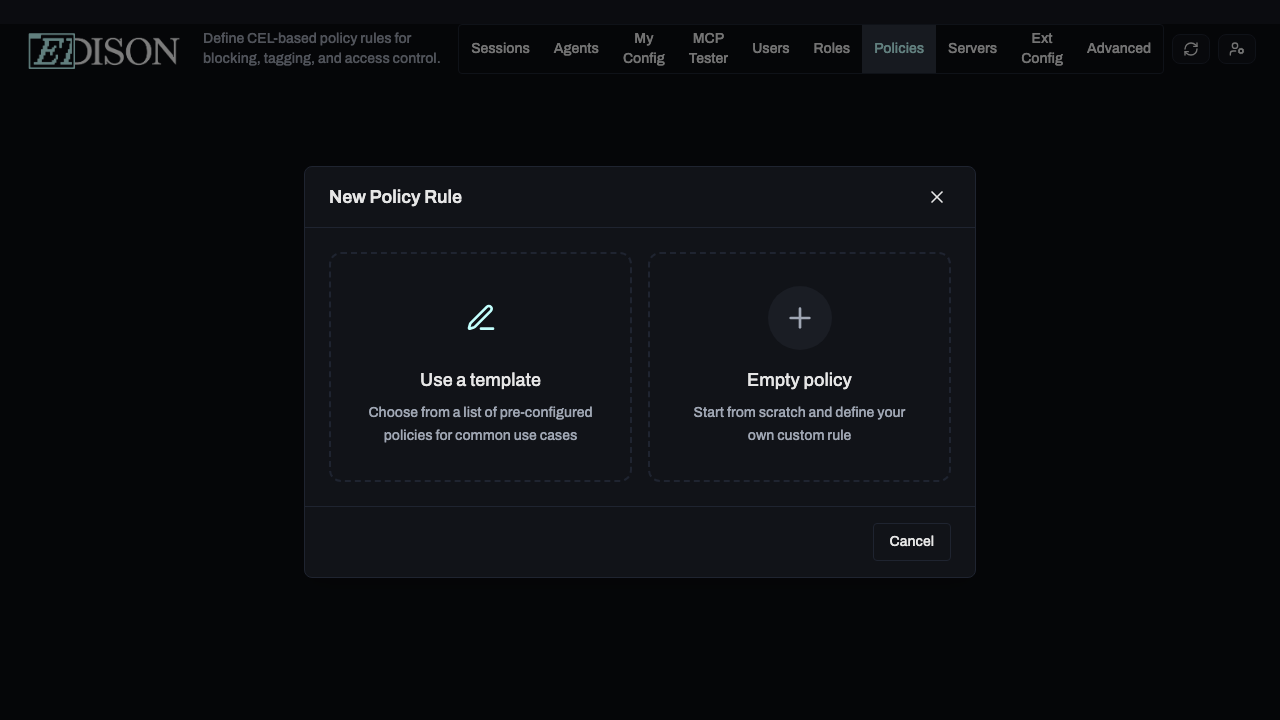
Using Templates
Templates are the fastest way to implement common security patterns like blocking sensitive file access or restricting administrative tools.
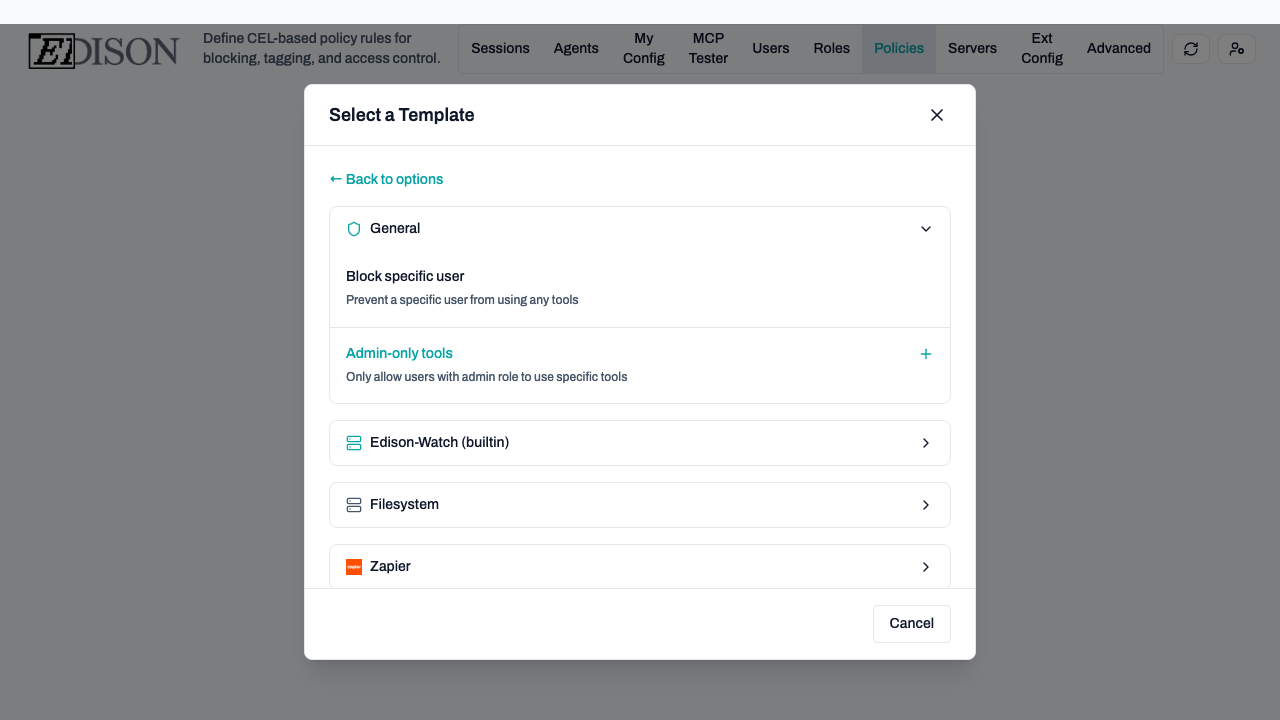
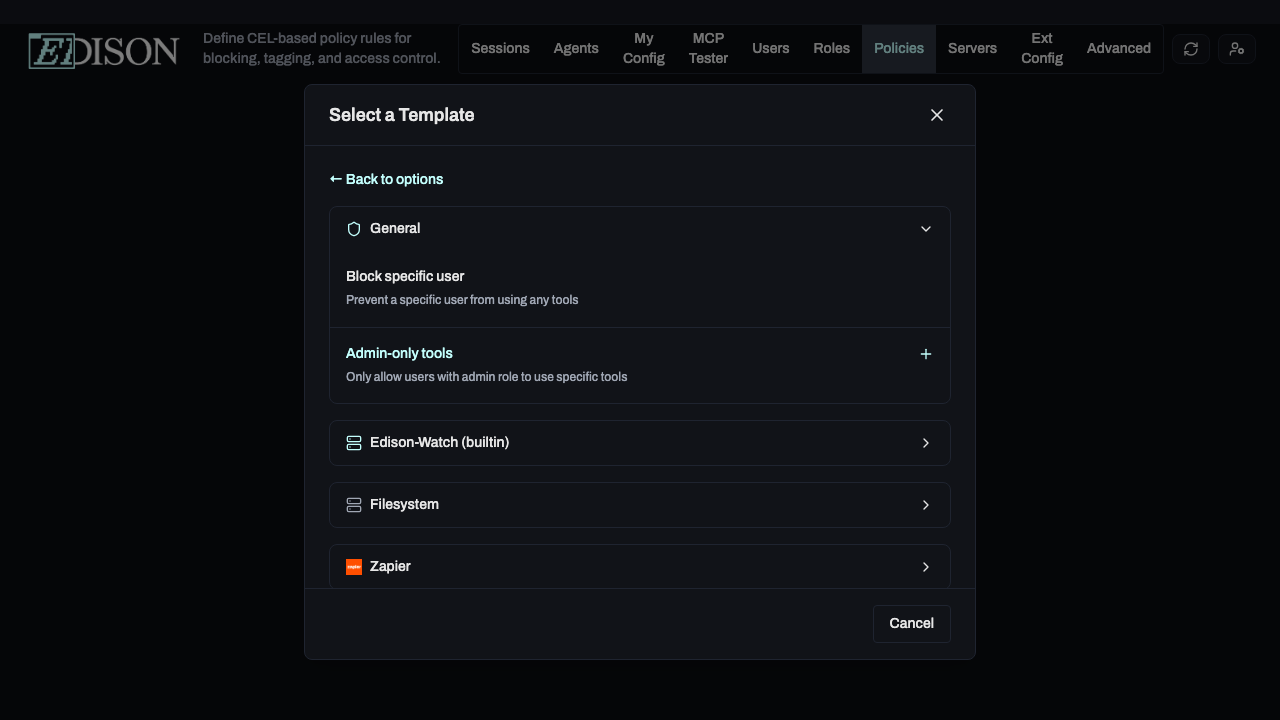
- Select Use a template.
- Browse categories like Filesystem or builtin.
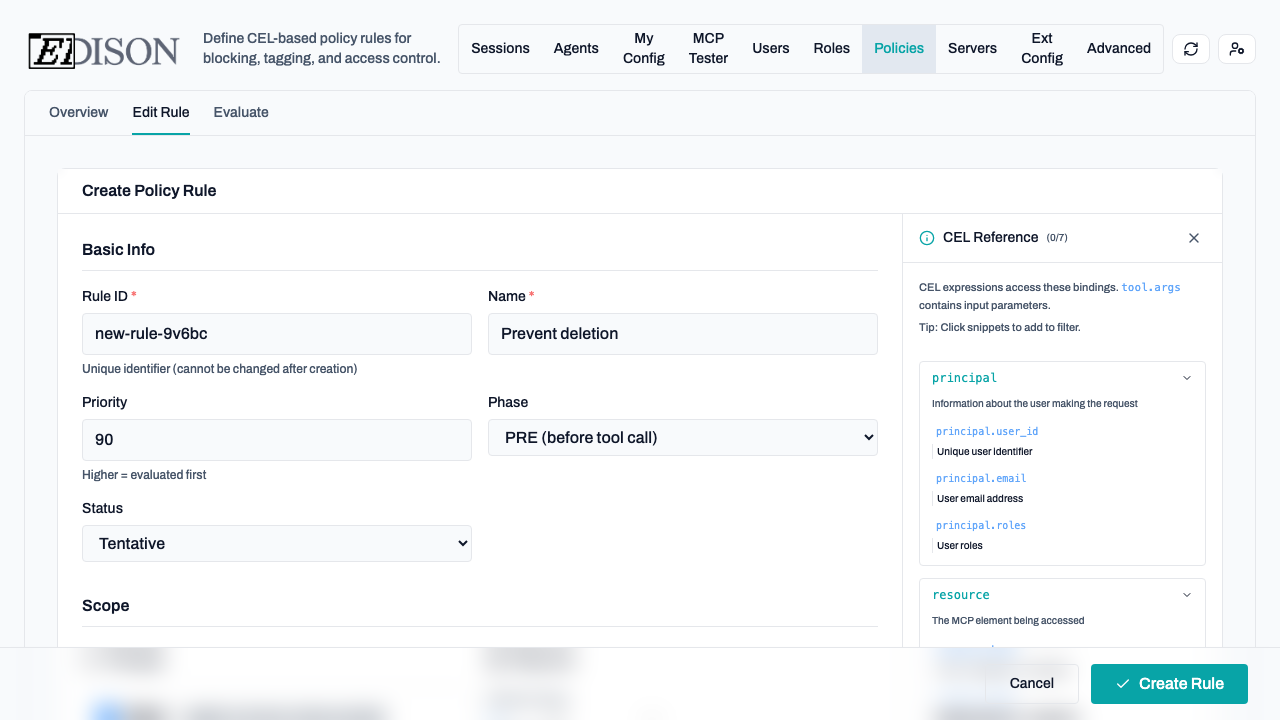
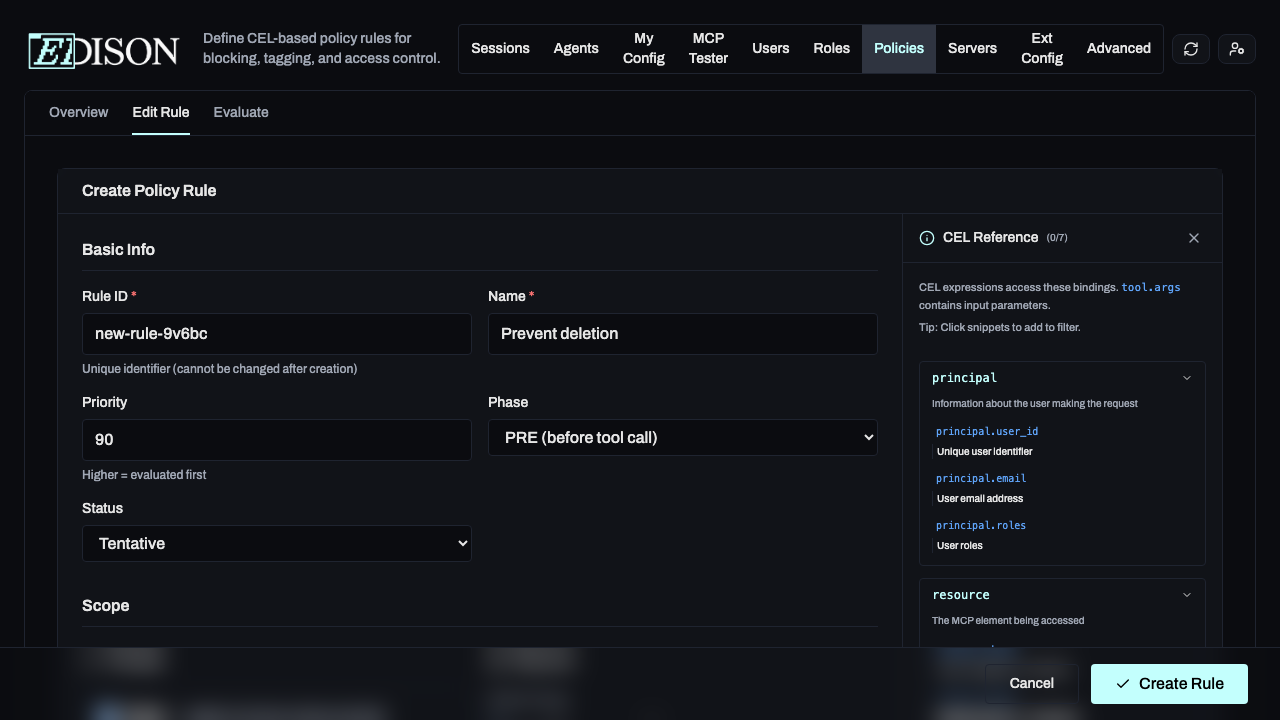
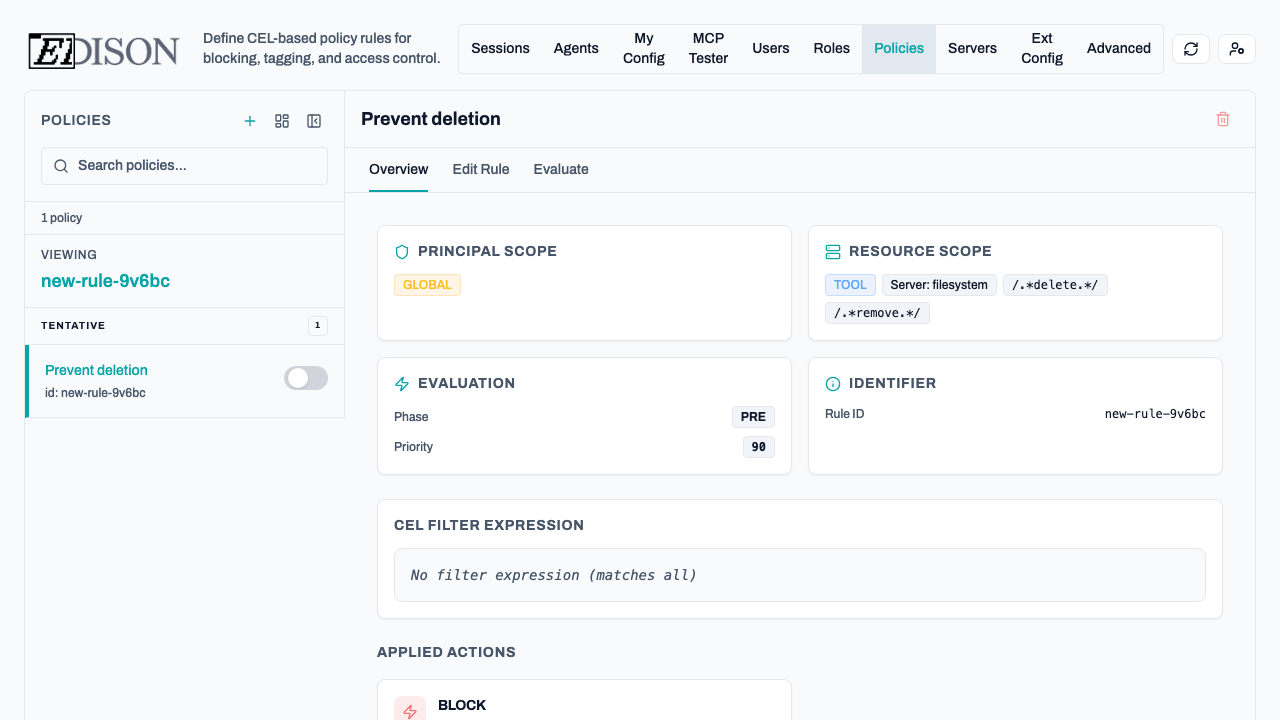
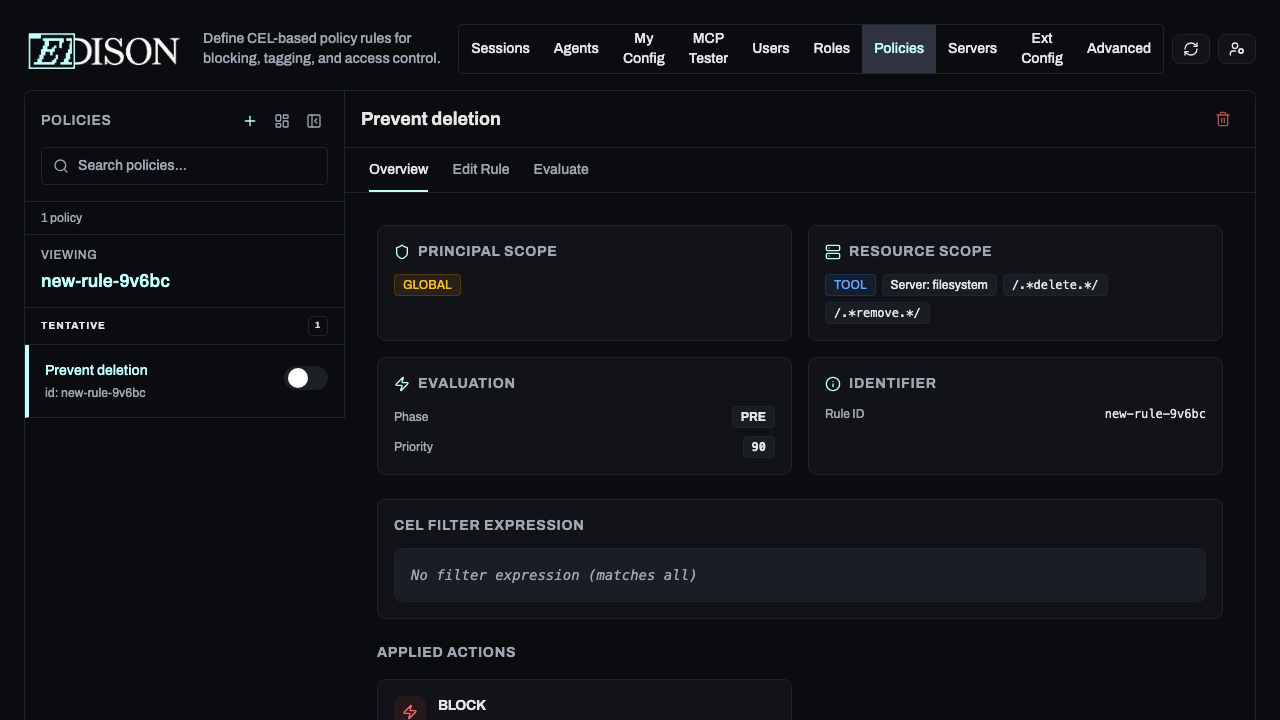
- Select a template like Prevent deletion to load its configuration into the editor.
Rule Structure
A policy rule consists of four main sections:
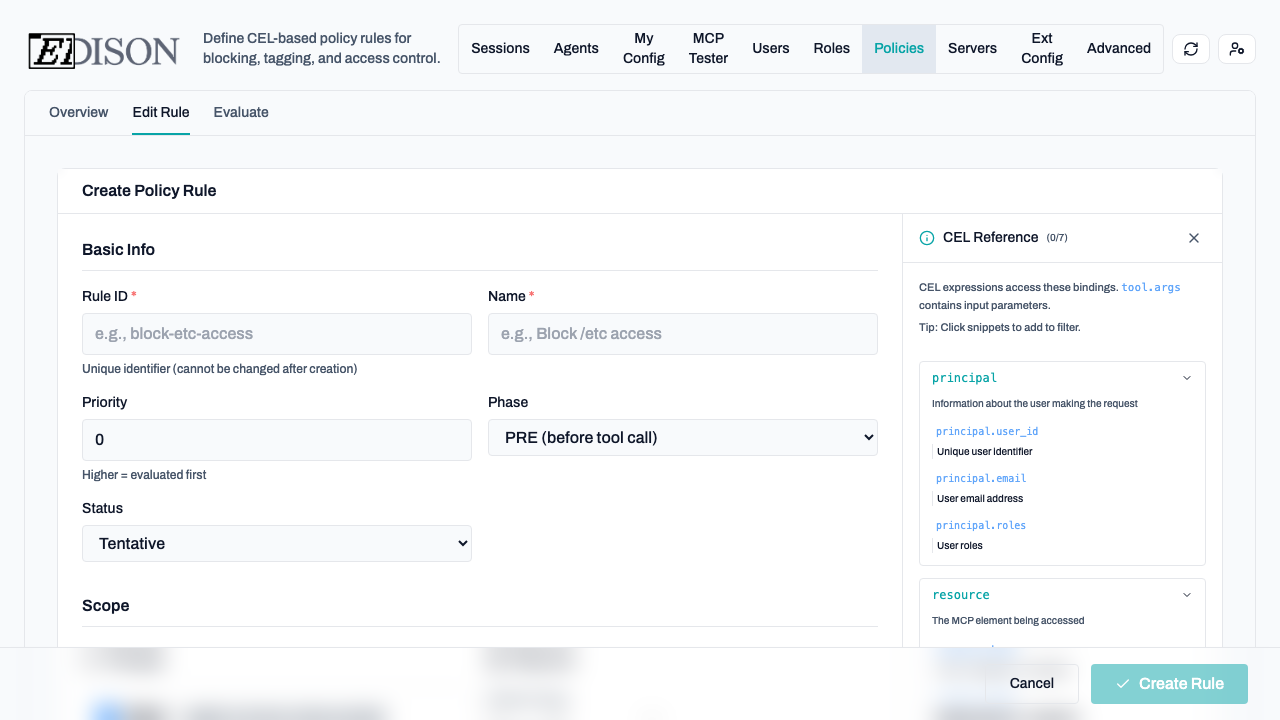
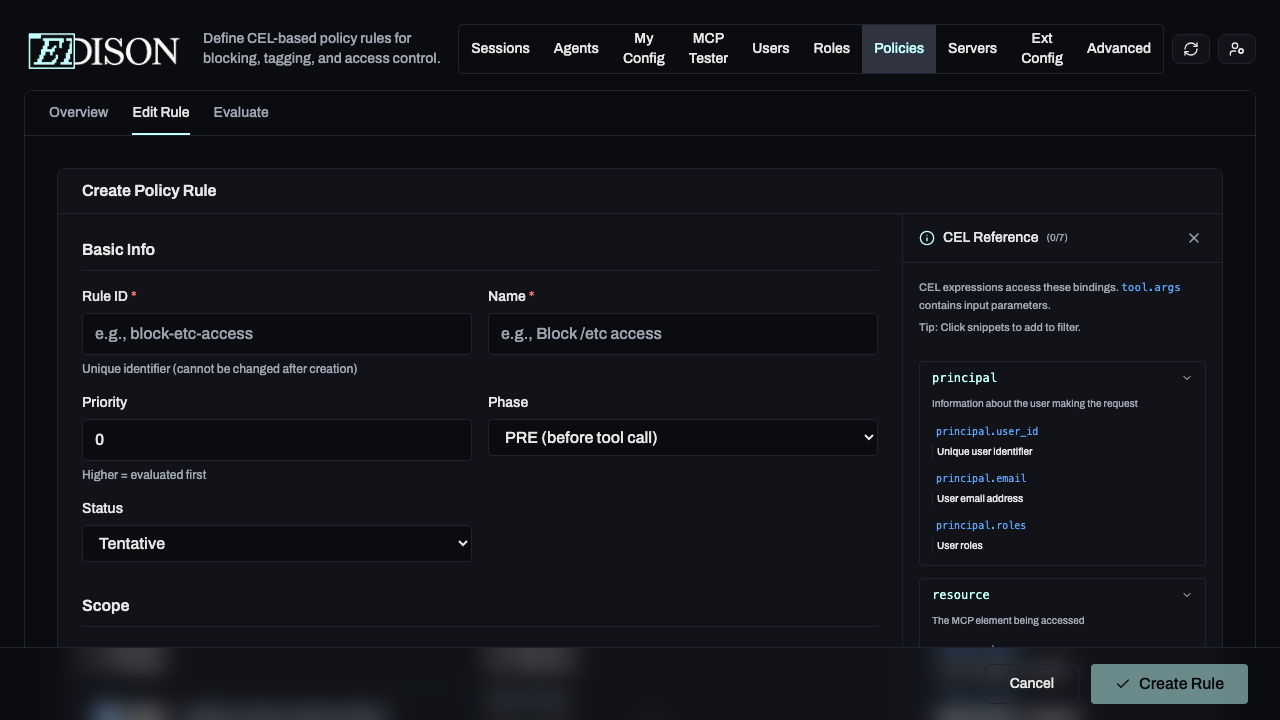
1. Basic Info
Define the rule's identity, priority, and evaluation phase.
- Priority: Higher numbers are evaluated first.
- Phase: PRE (before the tool call) or POST (after the tool returns data).
- Status: Enabled, Disabled, or Tentative. Tentative is a special status that allows you to test a rule without affecting production traffic.
2. Scope
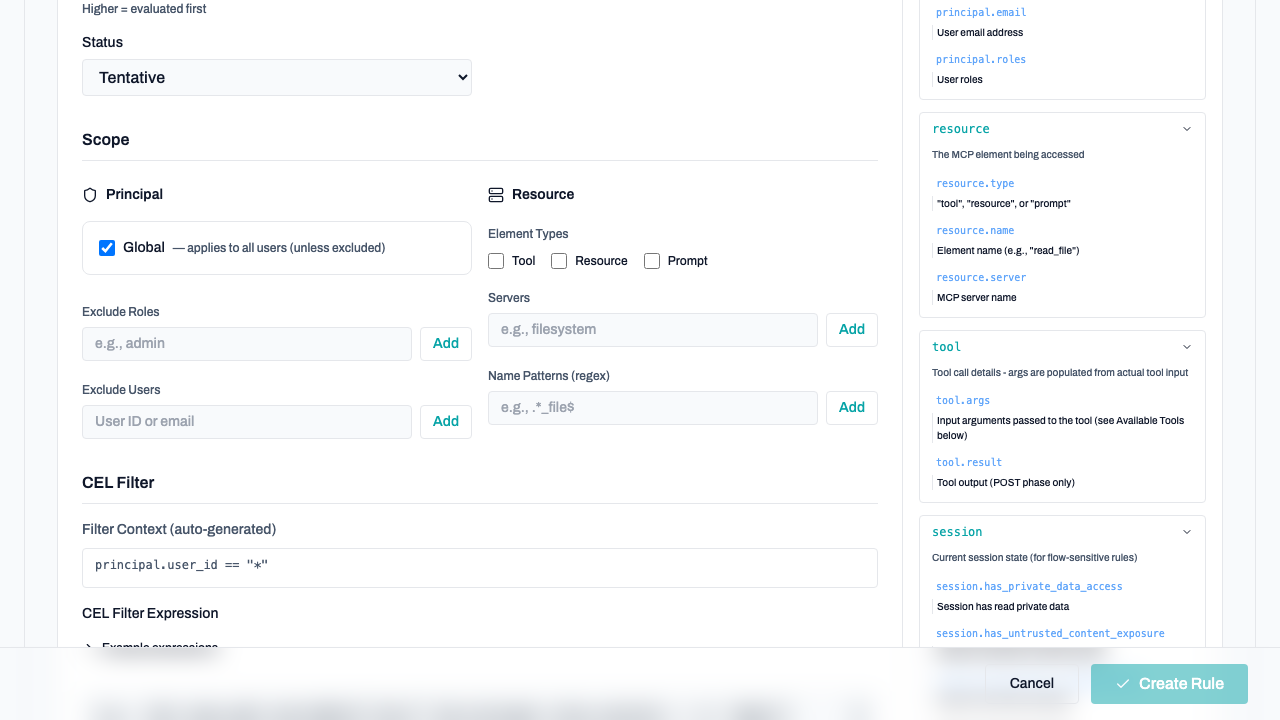
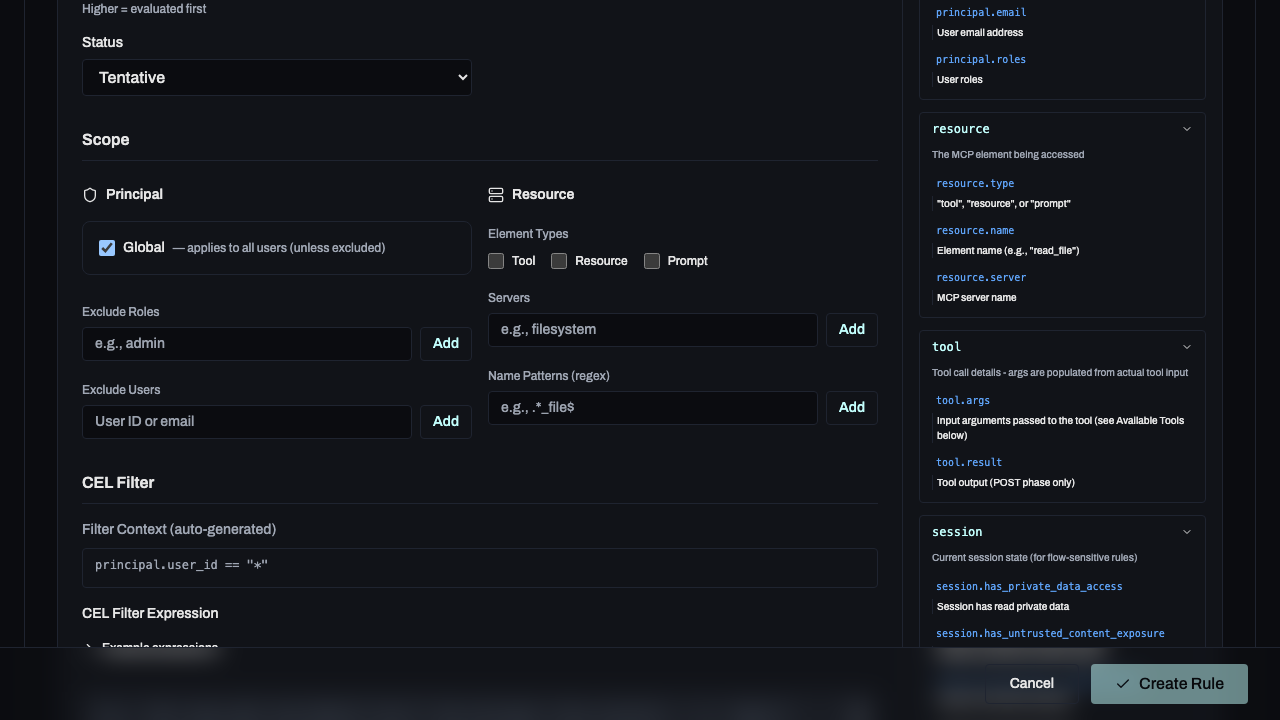
Define who the rule applies to and which resources it targets.
- Principal: Target global users, specific roles, or individual user IDs.
- Resource: Target specific MCP servers or tool name patterns (regex).
3. CEL Filter
The core logic of the rule. CEL filters allow you to inspect tool arguments, session state, and user details.
Use the Schema Reference Panel on the right side of the editor to browse available fields and click to insert them into your expression.
4. Actions
Define what happens when a rule matches.
- Block: Prevents the action entirely.
- Allow Override: Requires user confirmation but permits the action.
- Tag: Attaches a metadata tag to the session for auditing.
Managing Policies
Once created, policies appear in the sidebar list. You can quickly toggle their status between Enabled, Disabled, or Tentative.
Editing Rules
To edit a rule, click the Edit Rule button in the top-right corner of the rule detail view.
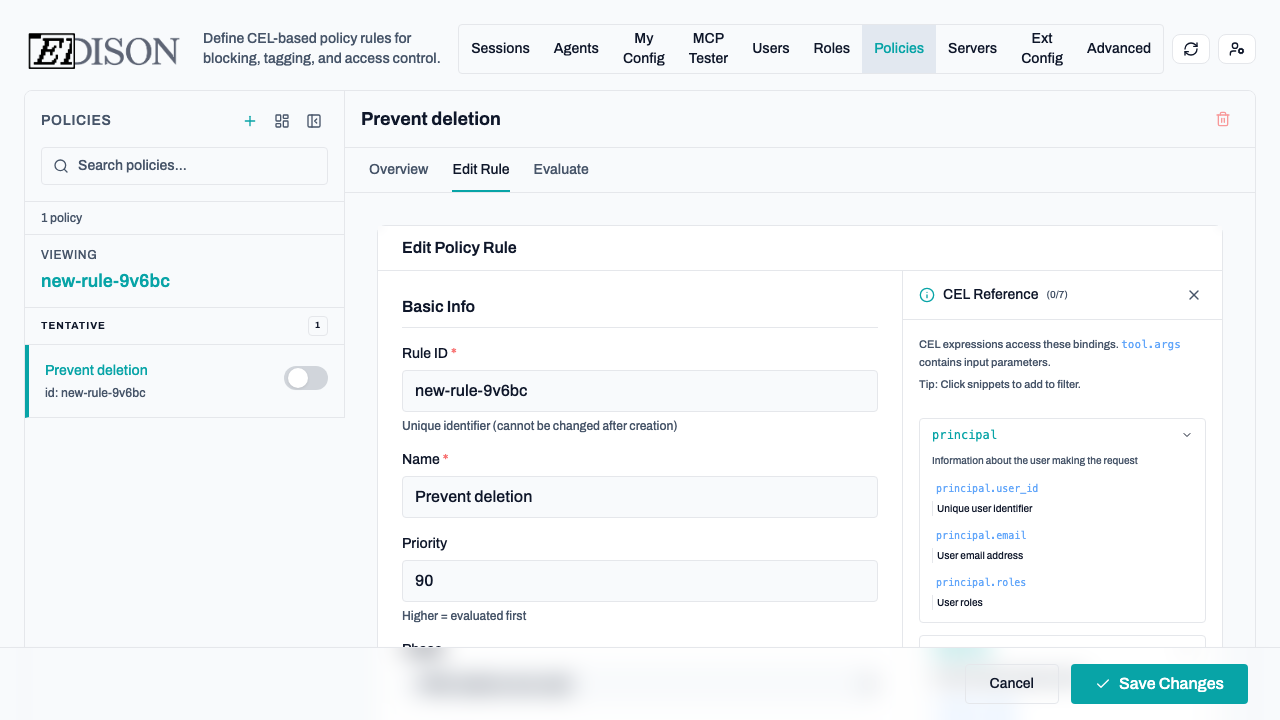
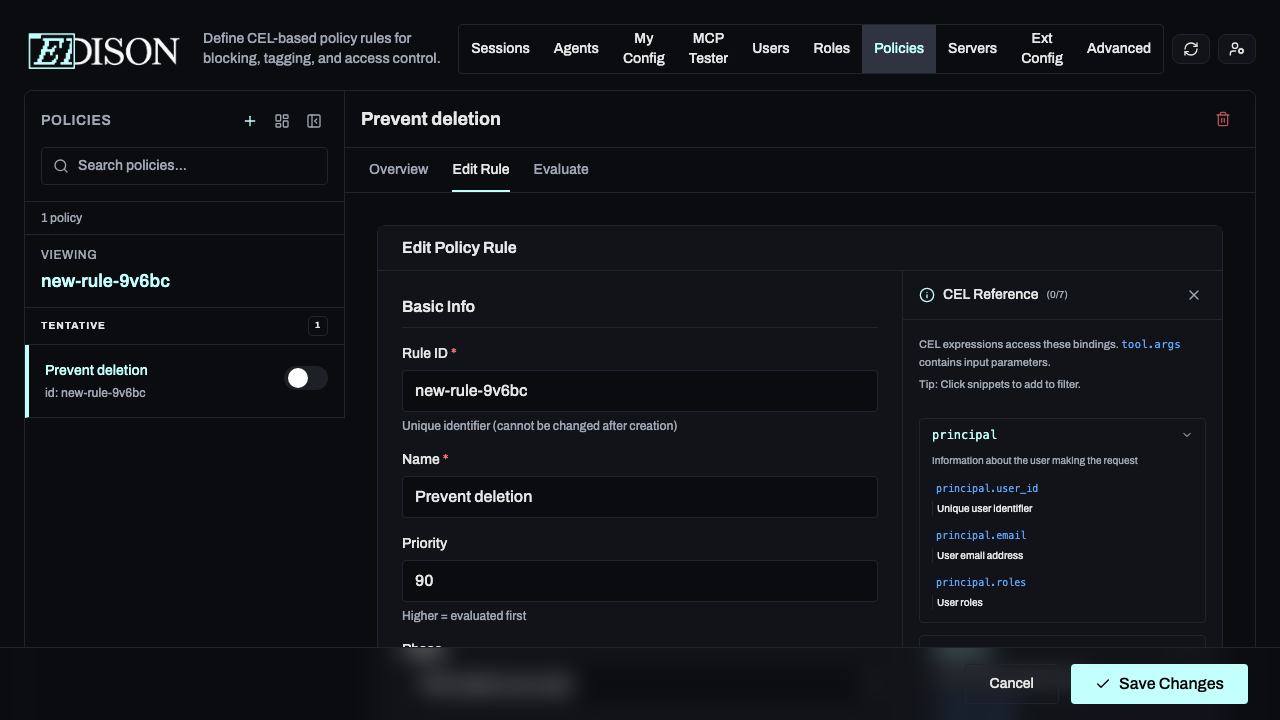
- Modify the rule's properties and logic. The editor is identical to the new rule creation editor.
- Click Save to apply the changes.
Evaluating Rules
To evaluate a rule, click the Evaluate button in the top-right corner of the rule detail view.
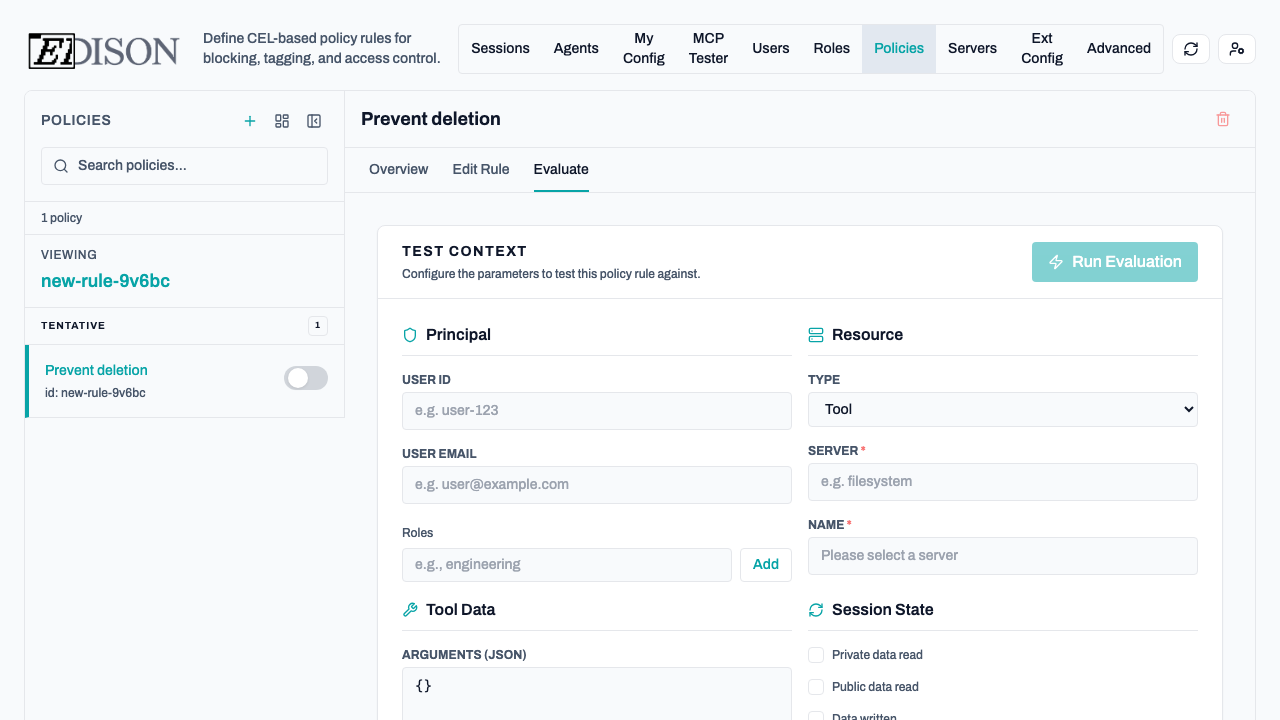
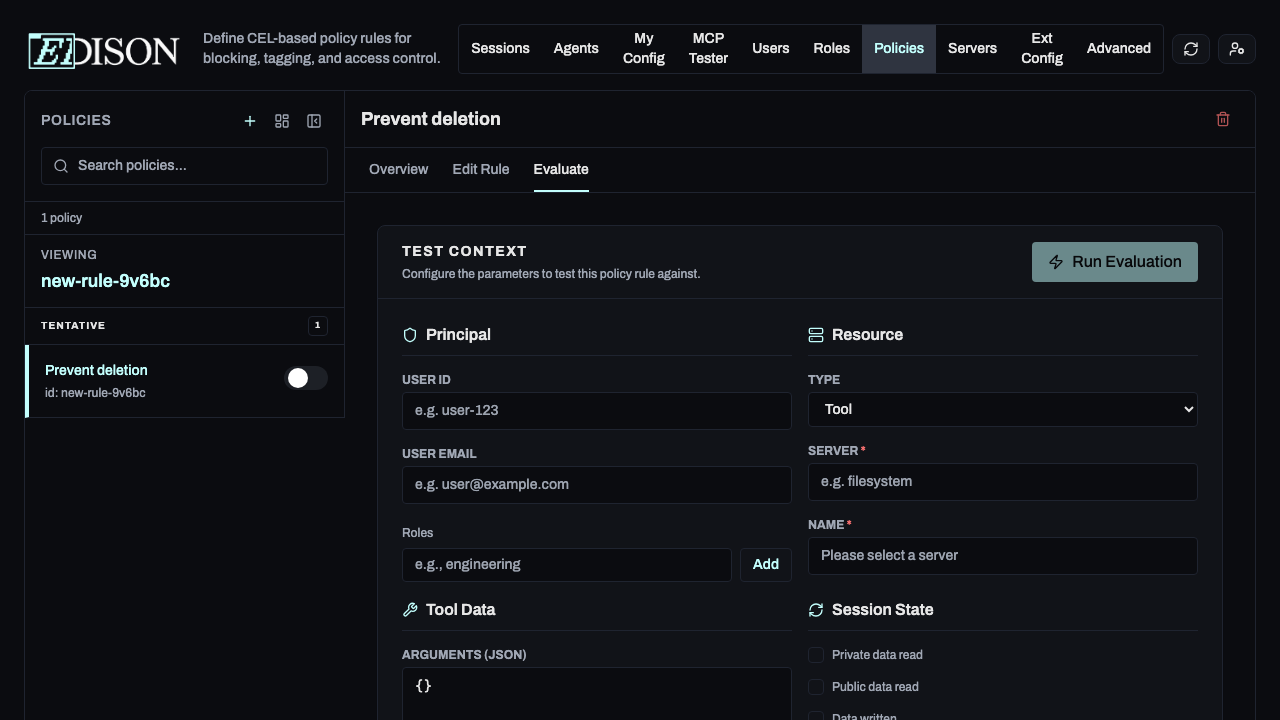
- Input a user, role, and tool call.
- Click Run Simulation.
- Review whether the rule matches and what action would be taken.
Deleting Rules
Deleting Rules
To remove a policy, click the Trash icon in the top-right corner of the rule detail view and confirm the deletion.
Deleting a rule is permanent. We recommend setting a rule to Disabled if you might need it again in the future.
For more information on the underlying security model, see the Security Architecture.