

PII Obfuscation
Automatically redact sensitive data in tool results.
PII Obfuscation automatically detects and redacts sensitive data (emails, API keys, phone numbers, etc.) in tool results before they're returned to your AI agent.
Enabling
- Go to My Config → Privacy Settings
- Toggle PII Obfuscation to ON
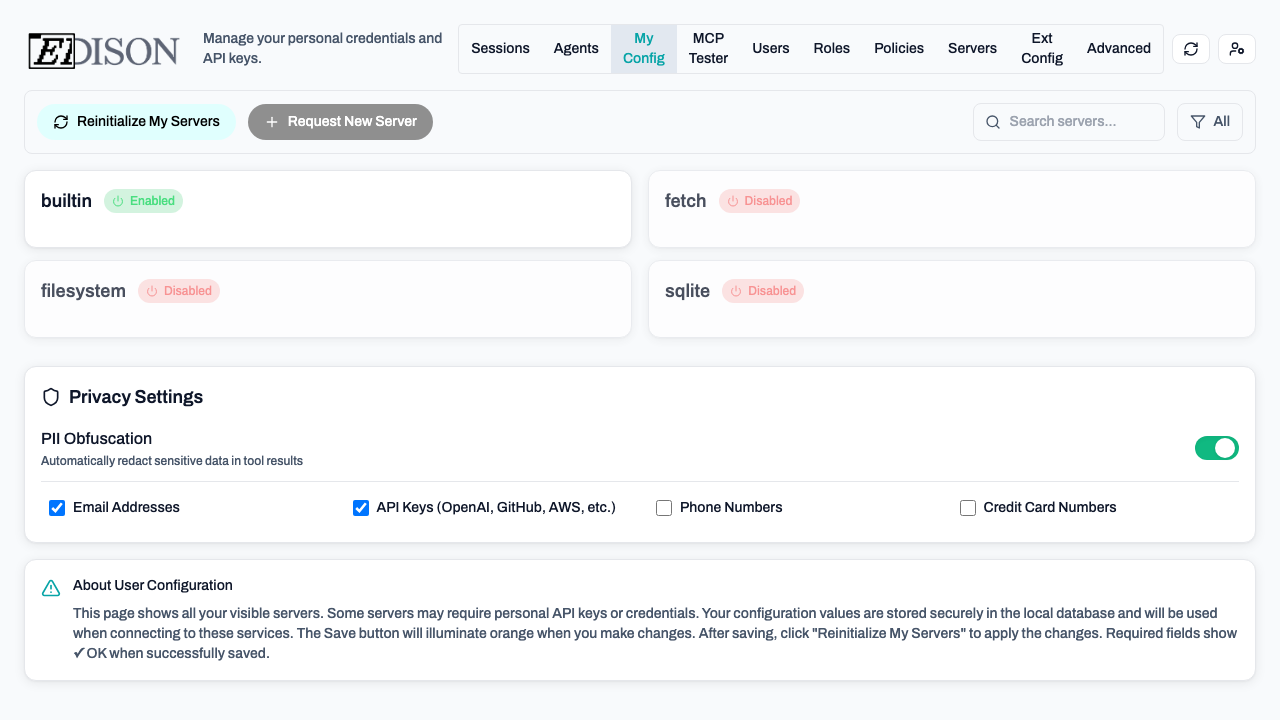
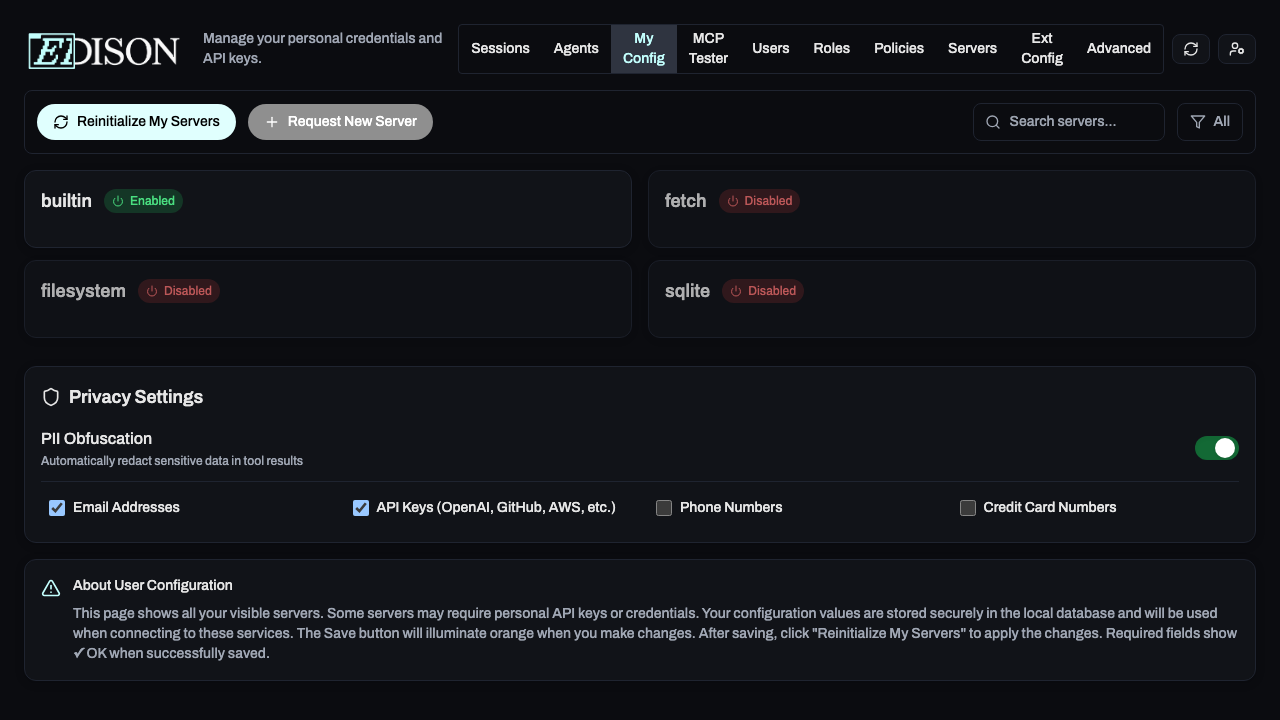
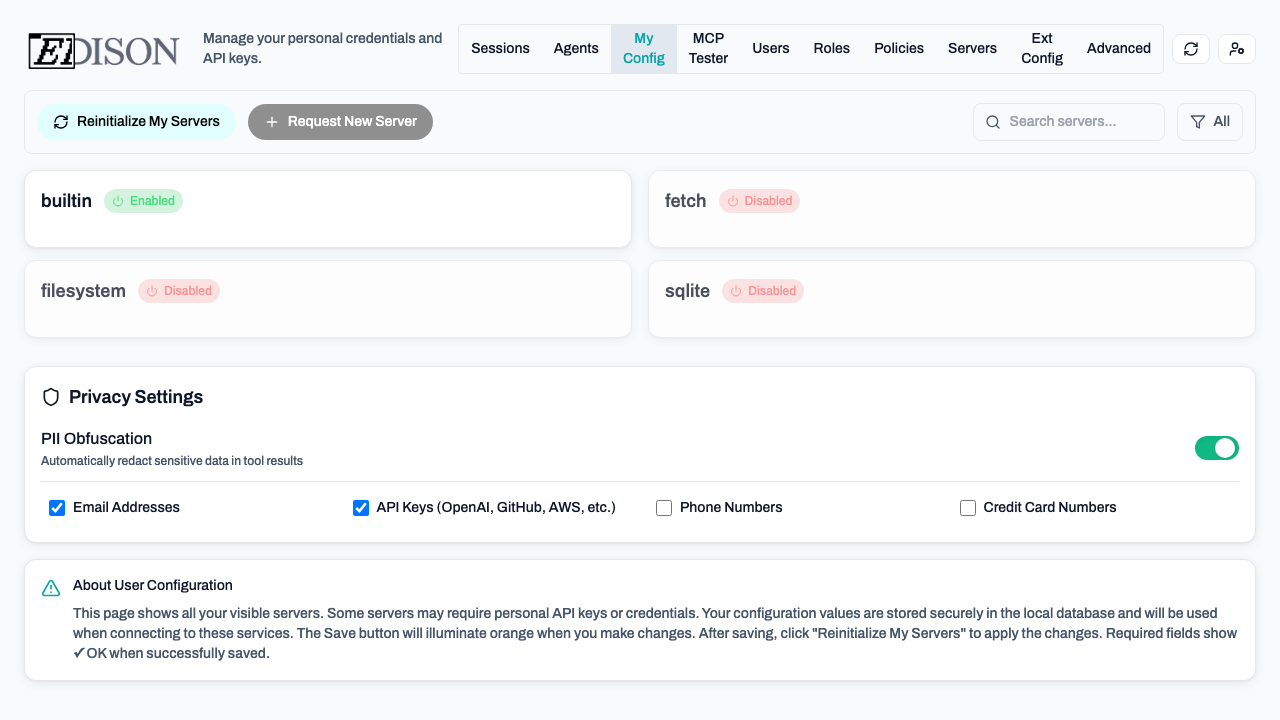
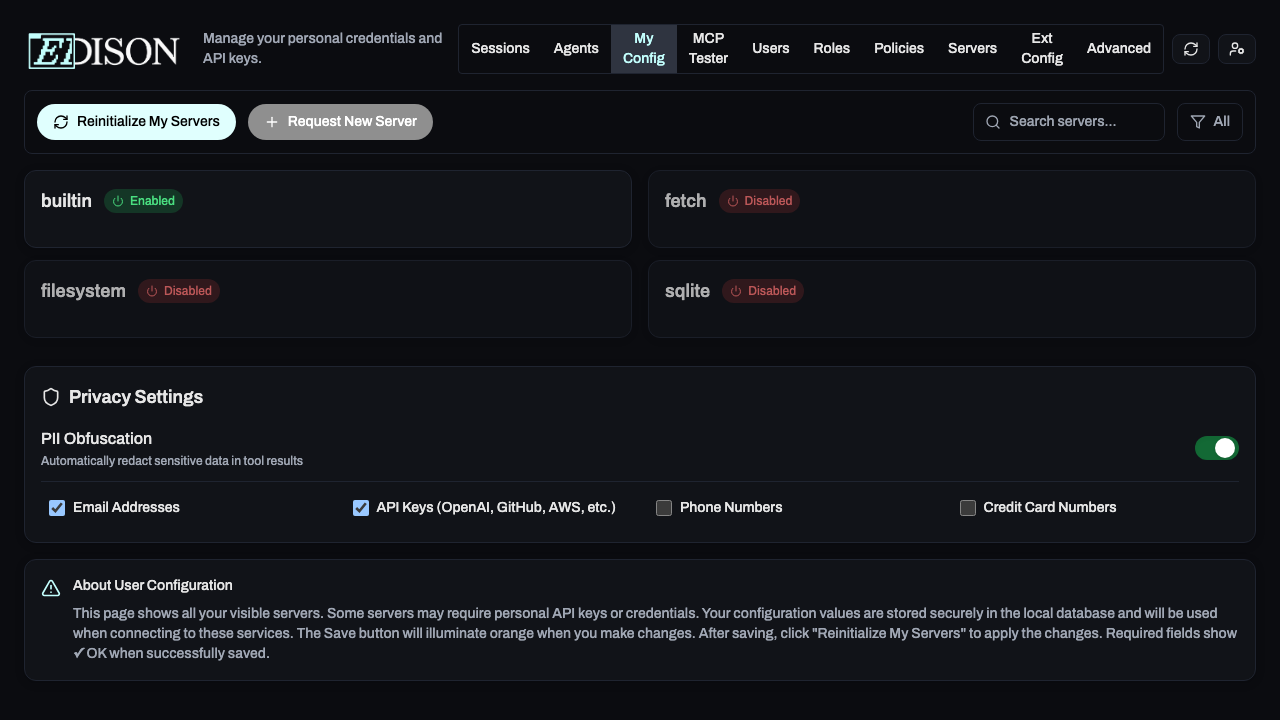
By default, Email Addresses and API Keys are enabled. Expand Detector Categories to customize:
| Category | Detects |
|---|---|
| Email Addresses | Email addresses |
| API Keys | OpenAI, GitHub, AWS, Google, Slack tokens |
| Phone Numbers | Phone numbers |
| Credit Card Numbers | Credit card numbers |
How It Works
When PII is detected, it's replaced with a token like |<PRIVATE_DATA_abc123>|. These tokens are automatically restored to original values when used in tool arguments.
Example:
Before: "Contact [email protected] for details"
After: "Contact |<PRIVATE_DATA_xyz789>| for details"
PII Obfuscation only affects tool results, not logs or session records.